
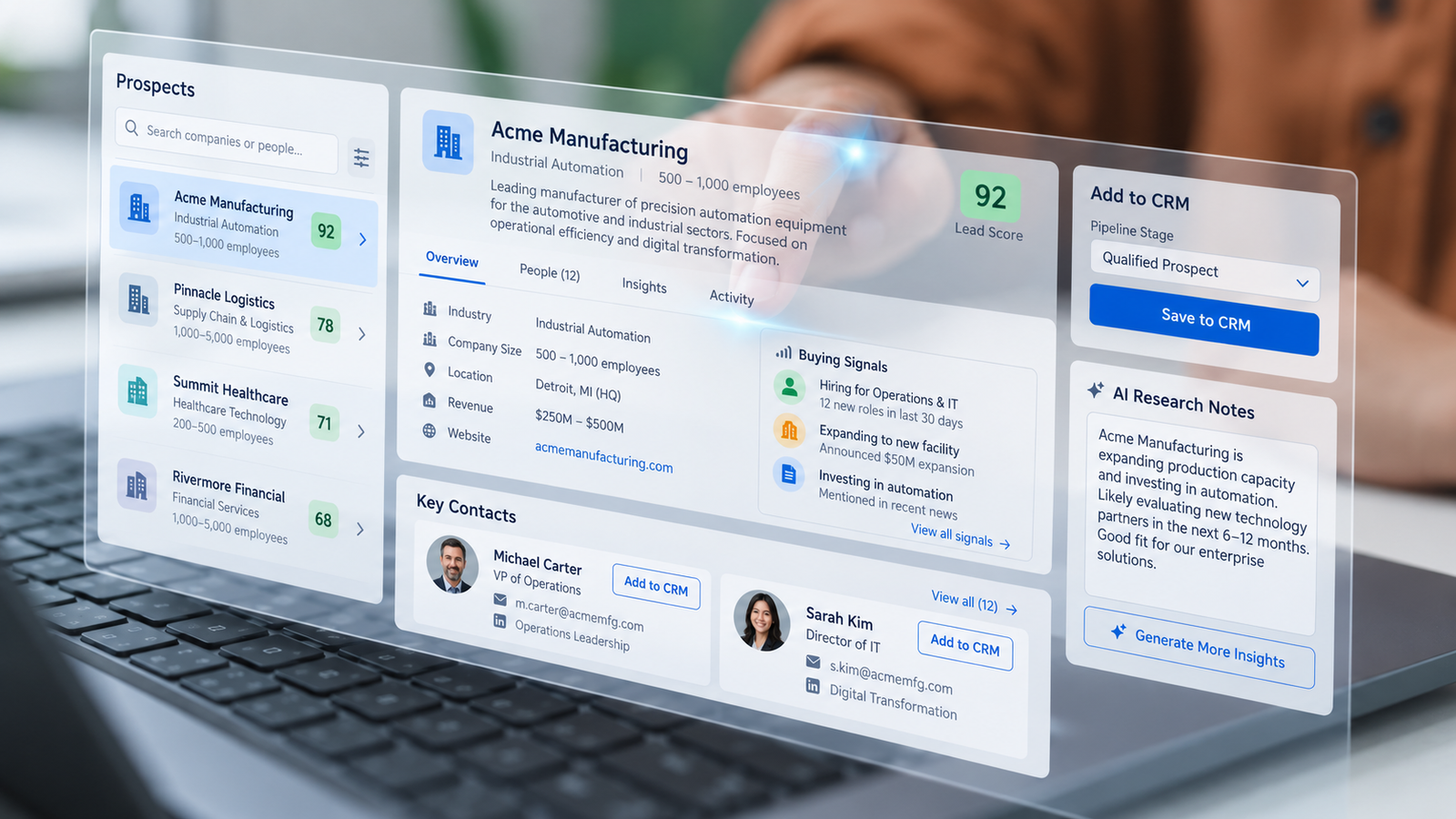
How to Use AI for Prospect Research Without Polluting Your CRM
AI can organise a large amount of prospect research quickly.
It can also repeat stale facts, confuse similar companies, infer details that were never confirmed, or turn a hypothesis into a confident CRM field.
That is the real risk.
The useful goal is not:
“Research 100 companies.”
It is:
“Produce reviewable prospect records that a salesperson can use without guessing what is true.”
A good AI-assisted prospecting workflow should make four things visible:
Why the account was included.
Which facts are sourced.
What remains uncertain.
What a human approved before the record entered the CRM.
That is the difference between faster research and faster contamination.
1. Start With an Inclusion Rule
Do not begin by asking AI for a long list of companies.
Define the account-selection rule first.
That rule may include:
- Industry
- Geography
- Company size
- Operating model
- Relevant business context
- Likely buying trigger
- Exclusions
- Minimum evidence required
For example:
Instead of:
“Find technology companies that may need CRM software.”
use something more precise:
“Find B2B technology service companies operating in Lagos with visible sales activity, an active website, and evidence of a sales or business-development function. Exclude individual consultants, inactive firms and companies outside the target market.”
The exact rule depends on the offer.
The principle does not.
An ICP Should Be a Decision Rule
An ideal customer profile should help another researcher answer:
“Does this company belong in the target set?”
If two people apply the same rule and produce completely different lists, the ICP may still be too vague.
“Companies that might buy” is not an ICP.
It is optimism wearing business clothes.
A useful rule should be specific enough to include or exclude an account consistently.
2. Separate Observations From Hypotheses
This is one of the most important controls in AI-assisted research.
An observation is something that can be supported by evidence.
A hypothesis explains why that observation might create commercial relevance.
For example:
Observation: The company announced a new office in Abuja.
Hypothesis: The expansion may create a need for more structured lead routing or reporting.
Those statements should not live in the same field.
The first is a sourced fact.
The second is a question worth testing.
Do Not Turn a Hypothesis Into a CRM Fact
Bad workflow:
“Company expanded recently, therefore needs CRM.”
Better workflow:
“Company expanded recently. Possible relevance: coordination of sales activity across locations. Verify during discovery.”
That distinction matters because CRM data is often reused later in:
- Outreach
- Reporting
- Qualification
- Account planning
- Forecasting
- AI-generated messages
Once a weak assumption enters the CRM as fact, it can spread surprisingly far.
3. Require Sources and Dates
Every material company fact should include a source and research date.
For example:
Fact: Offers enterprise cybersecurity services Source: Company website Checked: 9 October 2026
Or:
Fact: Recruiting for three regional sales roles Source: Public careers page Checked: 9 October 2026
That gives the salesperson context.
Without the source and date, the field may look authoritative while already being obsolete.
Business Data Goes Stale
Companies change.
Employees change jobs.
Products change.
Offices close.
Funding information ages.
Websites lag behind reality.
That is why research records should preserve:
- Source
- Date checked
- Verification status
The aim is not eternal accuracy.
It is visible freshness.
4. Verify Important Contact Roles
Employee roles are especially vulnerable to stale or conflicting information.
Before using a role in outreach, verify it against:
- Company-controlled sources
- Current professional profiles
- Reputable business databases
- Other approved sources
If the role remains uncertain, mark it.
For example:
Role: Head of Sales Status: Plausible / unverified
That is more useful than pretending certainty.
Preserve Conflicting Evidence
Sometimes sources disagree.
One source says:
Commercial Director
Another says:
Head of Business Development
Do not let the system silently choose whichever title makes the record look cleaner.
Record the conflict.
For example:
Role status: Conflicting Source A: Commercial Director Source B: Head of Business Development Action: Verify before outreach
Uncertainty is information.
Hiding it is not data quality.
5. Use Approved Business Contact Routes
Collect only the contact information the process actually needs and is permitted to use.
That may include:
- Company email
- Public contact form
- Business phone number
- Approved professional channel
- Verified business email
Avoid:
- Inventing personal email addresses
- Guessing phone numbers
- Copying unnecessary personal data
- Putting unrelated personal information into prompts
- Treating scraped data as automatically trustworthy
A generic company route can sometimes be more reliable than an invented direct address.
Record Contact Source and Status
For every contact route, consider recording:
- Source
- Date checked
- Verification status
- Type of contact
- Whether the route is approved for outreach
For example:
Route: Company contact form Status: Verified Source: Official website Checked: 10 October 2026
That gives the salesperson something they can assess.
6. Add an Uncertainty Field
Not every field should pretend to be binary.
Use simple labels such as:
Verified
Supported by current evidence.
Plausible / Unverified
Reasonable, but not yet confirmed.
Conflicting
Sources disagree.
Unavailable
The information could not be established.
This creates a healthier record.
It also makes human review easier.
Pay Special Attention to High-Risk Fields
Require extra review for claims about:
- Employee roles
- Technology stack
- Revenue
- Funding
- Office location
- Customer count
- Internal problems
- Buying intent
- Current priorities
These are precisely the fields AI can make sound wonderfully confident while being wonderfully wrong.
7. Use AI to Prepare, Not Declare
AI is useful for:
- Organising research
- Summarising public sources
- Comparing accounts
- Highlighting missing information
- Drafting research notes
- Suggesting discovery questions
It should not automatically convert weak evidence into:
- CRM truth
- Outreach claims
- Qualification status
- Buyer intent
A useful AI research output should include:
What is known
What is uncertain
What sources support it
What question should be asked next
That makes the output useful to a salesperson.
8. Review Before CRM Entry
Before creating or updating the working CRM record, review the research.
Check:
- Correct company identity
- Duplicate risk
- ICP fit
- Source quality
- Research date
- Uncertainty
- Contact route
- Outreach suitability
- Proposed next action
Only then should the record become part of the active sales system.
Prevent Entity Confusion
Similar company names can create serious errors.
For example:
- A Nigerian company and a UK company with the same name
- Parent company and subsidiary
- Old company name and current brand
- Two businesses with similar domains
Before CRM entry, verify:
- Legal or trading name
- Website
- Geography
- Industry
- Relevant entity
Entity identity should not be assumed because the name looks familiar.
9. Check for Duplicates
Duplicate records create fragmented history.
The same prospect may end up across:
- Multiple contacts
- Several company records
- Different owners
- Separate outreach sequences
Before creating a new record, check for likely matches using approved identifiers.
If the match is uncertain, send it for review.
Do not merge records automatically simply because two names look similar.
10. Verify the CRM Write
Automation should confirm that the record was actually created or updated.
Check:
- Record ID returned
- Correct account
- Required fields saved
- Source preserved
- Owner assigned
- Duplicate not created
If the operation fails, create a visible exception.
Do not quietly create another spreadsheet as a “temporary workaround” that becomes permanent six weeks later, as civilisation apparently enjoys doing.
Make Failures Visible
Possible exception states may include:
- CRM write failed
- Duplicate suspected
- Required field missing
- Source unavailable
- Contact unverified
- Entity conflict
- Human review required
Each exception should have:
- Owner
- Reason
- Next action
That makes the process recoverable.
11. Define What “Outreach-Ready” Means
A researched account should not automatically become an outreach record.
Define what must be true first.
For example:
- ICP fit confirmed
- Entity verified
- Material facts sourced
- Important uncertainty visible
- Contact route approved
- Message reviewed
- No unresolved conflict
Then mark the record:
Outreach-ready
This creates a useful checkpoint between research and sales activity.
12. Use Personalisation Carefully
Research can support more relevant outreach.
But personalisation should not exaggerate what the seller knows.
For example:
Good:
“I saw that your company recently expanded into Abuja. Has that changed how your sales team manages enquiries across locations?”
Weak:
“Your rapid expansion is clearly causing lead-management problems.”
The first uses evidence to ask a question.
The second turns a hypothesis into a claim.
Use personalisation to demonstrate relevance, not surveillance.
13. Measure Research Quality, Not Only Throughput
“100 companies researched” tells you how much activity occurred.
It does not tell you whether the output is useful.
Track quality measures such as:
Valid records / researched records
How many researched accounts actually met the inclusion rule?
Sourced material fields
How many important facts have source evidence?
Duplicate rate
How often were duplicate or conflicting records created?
Correction rate
How often did sales need to correct research before using it?
Outreach-ready records
How many records passed review?
Accepted sales handoffs
How many reviewed records were accepted by sales?
These measures show whether the research process produces usable output.
Keep the Denominator
Do not report:
“80 good leads created.”
without the context.
Report:
“80 outreach-ready records from 120 researched accounts during the week.”
That makes the result much easier to evaluate.
14. Demonstrate the Rejected Records Too
A live demonstration should not show only the beautiful rows.
Ask to see:
- Records rejected for poor fit
- Conflicting sources
- Missing contact information
- Duplicate candidates
- Unverified roles
- Failed CRM writes
That is where the quality-control process becomes visible.
A good system should be able to say:
“We do not know yet.”
That is healthier than filling every field with something plausible.
Build an Evidence-Based Research Workflow
A practical workflow might look like:
ICP rule → Account discovered → Sources collected → Facts separated from hypotheses → Contact route checked → Uncertainty labelled → Human review → Outreach-ready → CRM write verified → Sales handoff
Each transition should have evidence.
That makes the process inspectable.
The Goal Is Trustworthy Research
The purpose of AI-assisted research is not to produce the largest possible spreadsheet.
It is to help the sales team answer:
Why is this account here?
Which facts are verified?
What remains uncertain?
Where did the information come from?
Is the contact route appropriate?
What should we ask next?
If the record can answer those questions, AI is supporting the process.
If it cannot, faster research may simply mean faster cleanup later.
Where Vanora Fits
Vanora helps organisations design accountable prospect-research and revenue workflows around:
- ICP rules
- Data provenance
- Research quality
- AI-assisted preparation
- Human review
- CRM entry
- Outreach readiness
- Sales handoff
- Measurement
The goal is not to automate research blindly.
It is to create records the sales team can inspect, trust and use.
Get the Prospect Research Quality Sheet
Want to review the quality of your current prospect research workflow?
DM “DEMO” to Vanora Partners for the Prospect Research Quality Sheet.
Use it to assess:
- ICP clarity
- Source quality
- Research freshness
- Uncertainty
- Contact verification
- Duplicate control
- CRM readiness
- Sales acceptance